

ContentDetector.org is an easy-to-use AI content detector that helps identify AI-generated text with speed and accuracy. The tech world has forever changed due to artificial intelligence (AI), especially the way we create and approach content writing. With tools like ChatGPT and the recent introduction of GPT-4, AI-generated writing has become increasingly prevalent.
However, this rise in AI-written content raises ethical concerns and challenges and it also questions the credibility of the writer. As the influx of AI-written articles, essays, and reports continues, it becomes crucial to differentiate between genuine human expression and robotic text.
You can not guarantee 100% that the content you are reading is written manually or if it is machine-generated. We all appreciate good content, but when AI-generated writing infiltrates our reading experience without our knowledge, it raises questions about authenticity.
Contentdetector.org is your reliable companion in this regard. Imagine having a tool at your fingertips that can help you identify AI-generated content with ease.
It addresses these concerns, offering a solution to the challenge of distinguishing between human and AI-created content. Let’s peek into the details of this online AI content detector and see what the hype is.
Contentdetector.org: A Sneak Peek
Contentdetector.org is an online tool that helps you detect and remove the AI-generated content. It thoroughly scans the whole document and looks for the data that is machine-generated.
It does not matter if the content is generated by GPT, Jasper.ai, Rytr.com, or Paraprasingtool.ai, contentdetector.org safeguards against plagiarism and originality.
It uses the latest technologies and algorithms to analyze the text and then flags it based on the perplexity score, burstiness, and N-gram analysis.
This AI content detector is a free-of-cost web tool. Hence, no need to install any software. Just go to the website and start using it.
How Contentdetector.org Recognizes AI-generated Content?
There are multiple advanced approaches and techniques that make it easy for contentdector.org to detect and recognize AI content.
Here are some of the approaches it uses:
- Perplexity Score:org uses the advanced technique of perplexity score to distinguish between human-written and AI-generated text. If the perplexity score is low, the tool marks it as human-written and if it is higher than a certain threshold value then it is most likely AI-generated. A perplexity score of less than 30 is generally considered good.
- Burstiness: Burstiness is another factor in AI content detectors that determines the origin of a given text. Burstiness means how much variation there is in a sentence. AI-generated usually have structured and predicted sentences which makes it easy for contendetector.org to guess whether it is AI-written or human-written.
- N-gram model: The N-gram model predicts the sequence of a specific word. The n-grams model gauges the recurrence of specific letters, words, or pairs in a text. If the same word or letter appears frequently in close proximity, it suggests that the text might be machine-generated.
Check out: 5 Benefits of Sponsored Content That Every Blogger Should Know
How to Identify AI Content Using Contentdetector.org
1. Open the Tool
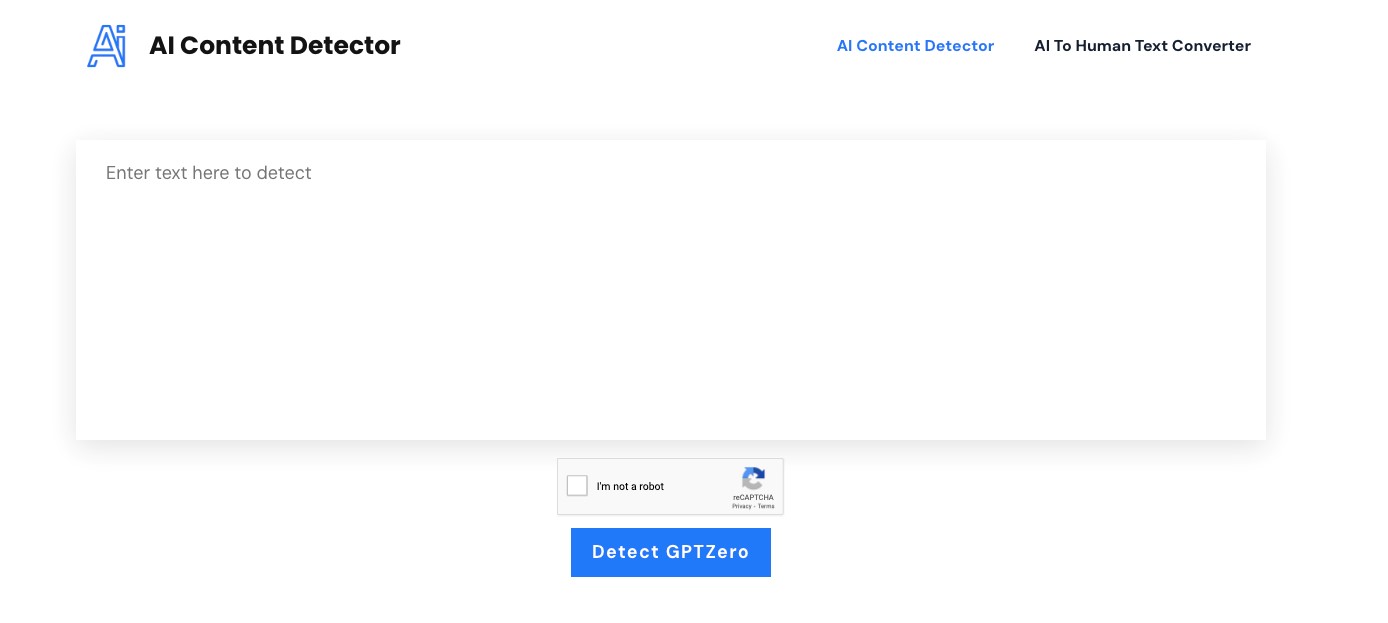
Start by opening your Contentdetector.org web browser. There’s no need for complicated installations for this AI content detector; it’s all right there in your browser.
2. Paste the Text
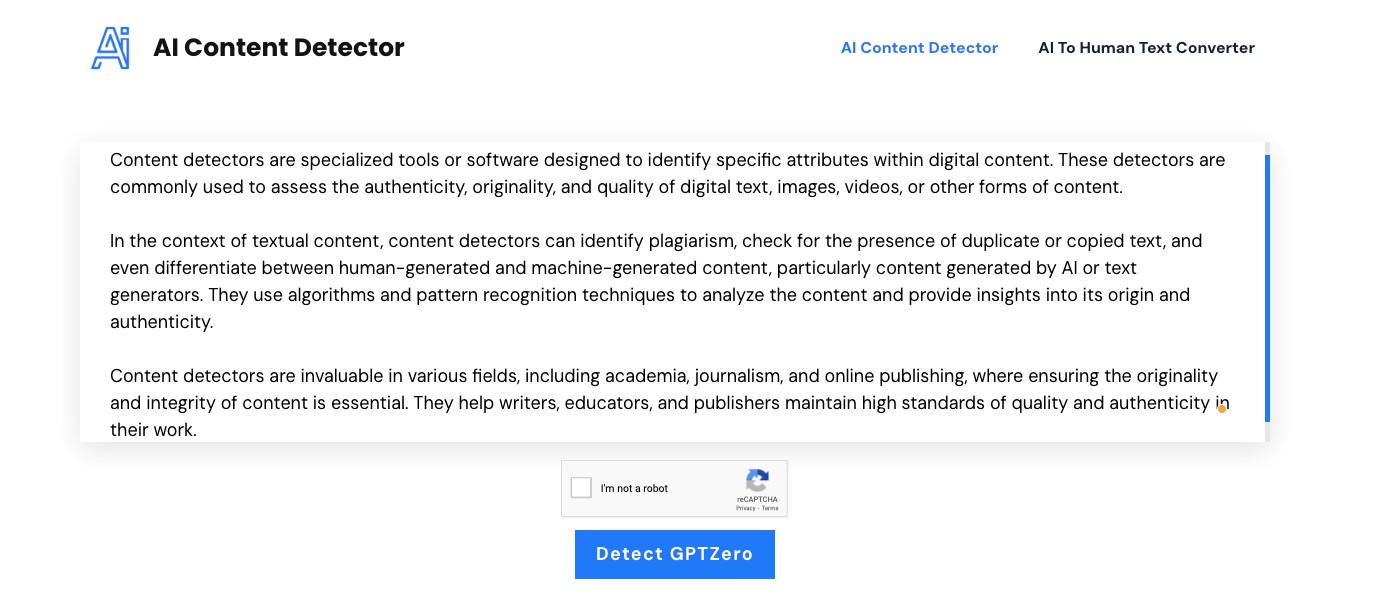
Copy the text you want to verify, whether it’s from a website, document, or any other source. In our case, we tested content generated by ChatGPT 3.5. Just paste it into the designated area on the website.
3. Click ‘Detect GPT Zero’
With your text pasted, click the ‘Detect GPT Zero’ button. It’s as simple as that! The detector will start its analysis immediately.
4. Get Instant Results
Within seconds, your result will be ready for you with AI content detector. The detector works quickly to assess the text and provide accurate feedback.
5. Review the Results
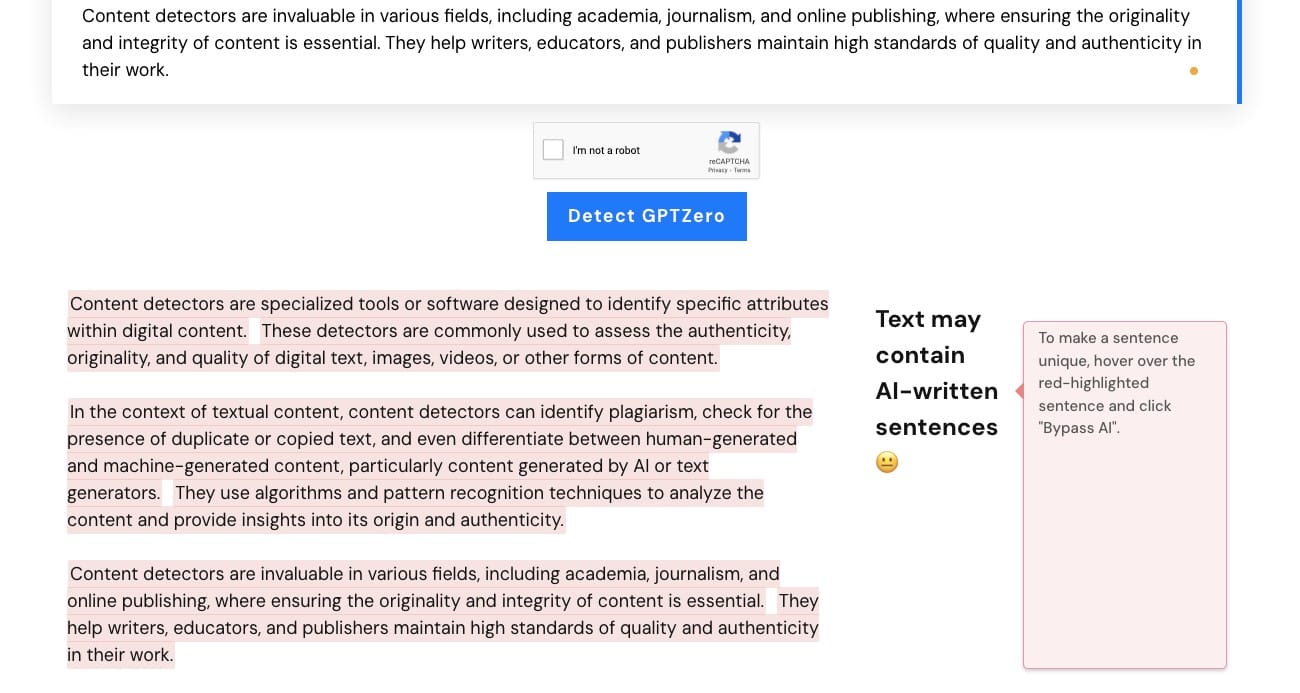
Once the analysis is complete, take a look at the highlighted portions. If you see any text highlighted in red, it indicates that the content is AI-generated.
Pros of Using Contentedetector.org
Several features of contentdetctor.org make it easy for the user to incorporate this tool into their writing. Here is a glimpse of these advantages.
- Identifies popular AI text generators like ChatGPT, Paraphrasingtool.ai, Rytr.me, and Jasper.ai.
- Uses advanced algorithms and machine learning for precise detection.
- Accurately spots AI-associated writing styles and hybrid human-AI text compositions.
- No word limit—check lengthy articles, research papers, and student theses easily.
- Provides swift results, displaying authorship upon clicking ‘Detect GPTZero.’
- Completely free to use without any hidden costs.
- Offers an AI-to-human converter in addition to the AI detection feature.
Conclusion
Contendetctor.org has become really helpful in detecting AI content. It is one of the very few free tools that are easy to use and give accurate results. The tool can accurately indicate the AI content generated by the most popular AI writing tools such as Japer.ai, Rytr.me, and ChatGPT.
In this review, we detected the text written ChatGPT in a matter of a few seconds. Secondly, this AI content detector not only identifies but also offers you a solution to this problem. For, AI to human text converter successfully eliminates the traces of AI writing tools.
Therefore, contentdetector.org is a complete package that you can avail free of cost.
Check out: 6 Useful Tips For Content Optimization