
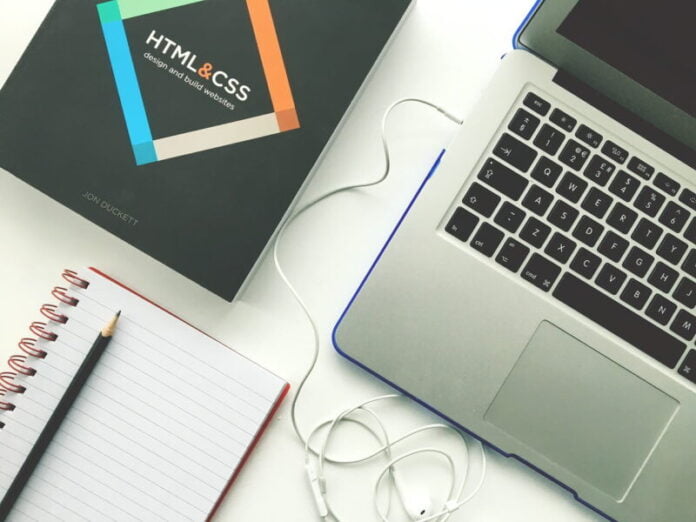

The website is a collection of publicly available, inter-linked Webpages. That shares a single domain name. Websites could be developed and managed by organizations, groups, and even a single person, to provide various products and services. Collectively, all publicly available websites represent the World Wide Web.
Creating and launching a Website is an excellent approach to connect with the world. Websites are often used by brands, bloggers, artists, writers, and many other individuals and companies to make their identity in the world market.
Before we go further and talk about web development technology, Let us understand the Parts of a URL (website) Address.
People can find a piece of information, details about any brand or service on the Internet through a Uniform Resource Locator (URL). The URL/web address is the address that tags the location of a website.
The URL address for any specific website is like “HTTP” or https://www.example.com.
HTTP or HTTPS
The “https (” or “https” shows which kind of protocol (set of rules) you need to follow to view this item. The protocol is how two or more devices/systems connect and communicate with each other. Some other protocols like FTP (file transfer protocol) and telnet are also available.
(HTTPS stands for “Hypertext Transfer Protocol Secure.” HTTPS is an enhanced form or an extension of HTTP used for “Secure” connections over the Internet or an online digital network.)
WWW
The “www” means “World Wide Web.” This is the name of the “web host” central directory/Server in which the web pages are stored. “www” is a common name provided to computer servers connected to the web. but, web addresses don’t have to start with the “www.” The webpages could also be stored on a host computer or server named something different.
Domain / website name
The domain name is “example” and shows that the pages come from “example” sources. The part of the website domain name that is certainly considered the top-level domain designator is the “.com.” The most common types of top-level domains are .edu, .org.net, .pk, .uk etc
- Web Development
- Flowchart diagram
- Client-side vs Server-side
Following are the terms associated with Web Development Technologies
Front-end
Front-end development is known as a client-side and is considered a bridge between web design and web development. The main languages that work as a Front-end development are HTML, CSS, and JavaScript.
Backend
It is known as the server-side and covers the functioning and behavior of the websites.
The following are some main languages that work as a backend developer.
Backend languages
Java, Ruby, Python, Php, Laravel, SQL, ASP.NET, React, Node.js, Jquery, etc. Hence, they are responsible for responding to the requests generated by browsers. In simple words, the whole system is working around the Browser and Server.
A website consists of a single page or more than one page of content followed by relevant links, hyperlinks, and images. It has been considered that the website serves the purpose of a book in digital form.
BROWSER
Browsers are used to connect your computer with the server through an IP address, obtained by translating the Domain Name System (DNS).
The most popularly used Browsers in today’s world are as follows.
- Internet Explorer
- Google Chrome
- Mozilla Firefox
- Safari
- SERVER
Servers are used at the backend. They are connected with the browsers and receive the data and requests and respond accordingly.
STRUCTURE
The website is a collection of languages in terms of programming and coding to achieve the desired results. The structure has two common categories front-end and backend, which we have already discussed above.
The basic structure of the website is constructed using <html>
DEVELOPMENT
As discussed earlier, a website’s development and structure show a little briefer given below to understand a website’s interface.
Html structure is always achieved by following startup tags
<html>
<head>
<title></title>
</head>
<body>
</body>
</html>
HTML stands for hypertext markup language and consists of tags readable by the server. The structure behaves like a website; to add styling and create an appealing interface, CSS is used.
CSS(cascading style sheet)
A website is considered and rated well if accessible by everyone, including people with any disability. To achieve the goal, semantic markups are introduced in HTML5 structures. The second main thing to improve accessibility is the User Interface designed by UI/UX designer. Designing and styling play a vital role in making a website rank at the top by the users.
CSS helps add variety to our website appearance with colorful graphics and stabilization of elements elegantly.
HTML and CSS are pillars to build a website. It will end up making a perfect static web page. To add functionality and we use JavaScript, which helps to control the behavior of a website. For more understanding, consider an e.g. of a button on a web page or application that states “submit.” Now the ‘submit” is in a static position until a functional coding language is applied, eventually connecting the web page to the server.
The back end is controlled by programming languages that are readable by computers. Many new updated collective languages have been introduced with the latest technologies to make the process easier and less time-consuming.