

There are reasons to split PDF files, and they mainly apply to when you need to use some parts of the PDF. You may want specific information from a large PDF. You could also want to split PDF to make the sharing easier.
Whatever the case is, you need a tool for that. Do you have to download software to help you with the splitting task? Back in the day, that would have been a definite yes. Nowadays, it depends on your preference since there are tools for that on the internet.
Since splitting the PDF online is now possible, why do you need to download software anyway? Let’s see how one of the best tools in the market does it and how you can use it to fulfil other PDF editing tasks.
Split PDF Pages CocoDoc
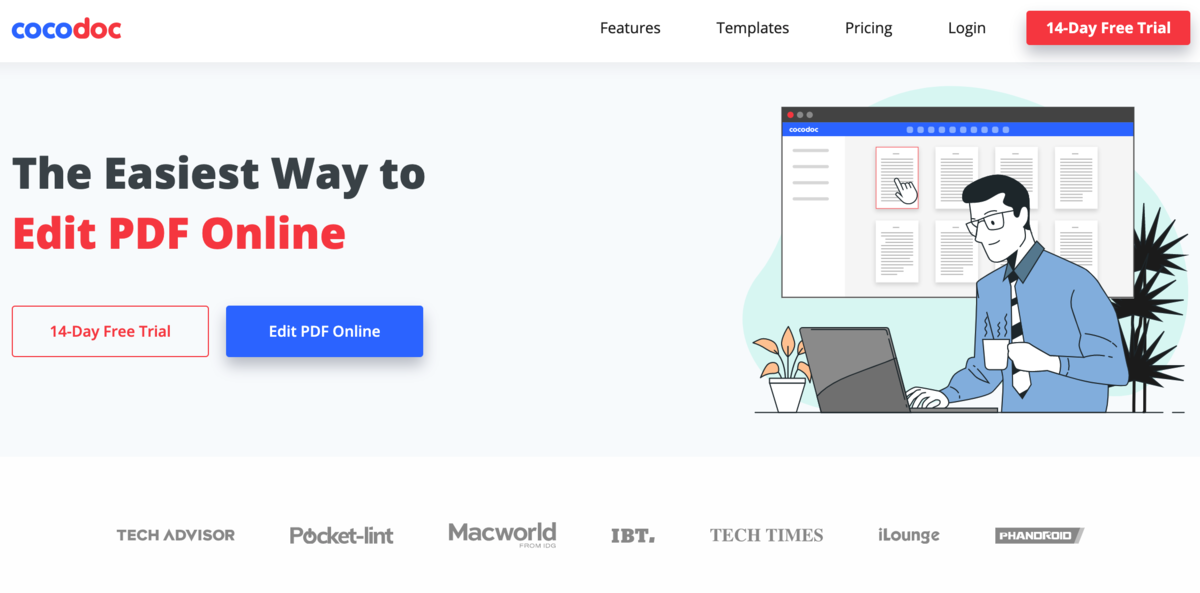
The internet has saved us from many things, making most of the work more effortless. Working on PDFs seemed hectic back in the day until websites like CocoDoc came to rescue us from the mess.
Apart from editing, you can also use such platforms to separate pages in PDF and save them as new documents. With such capability, you may wonder where to start. You have fulfilled the requirements if you have an internet connection and an enabled device with an updated browser.
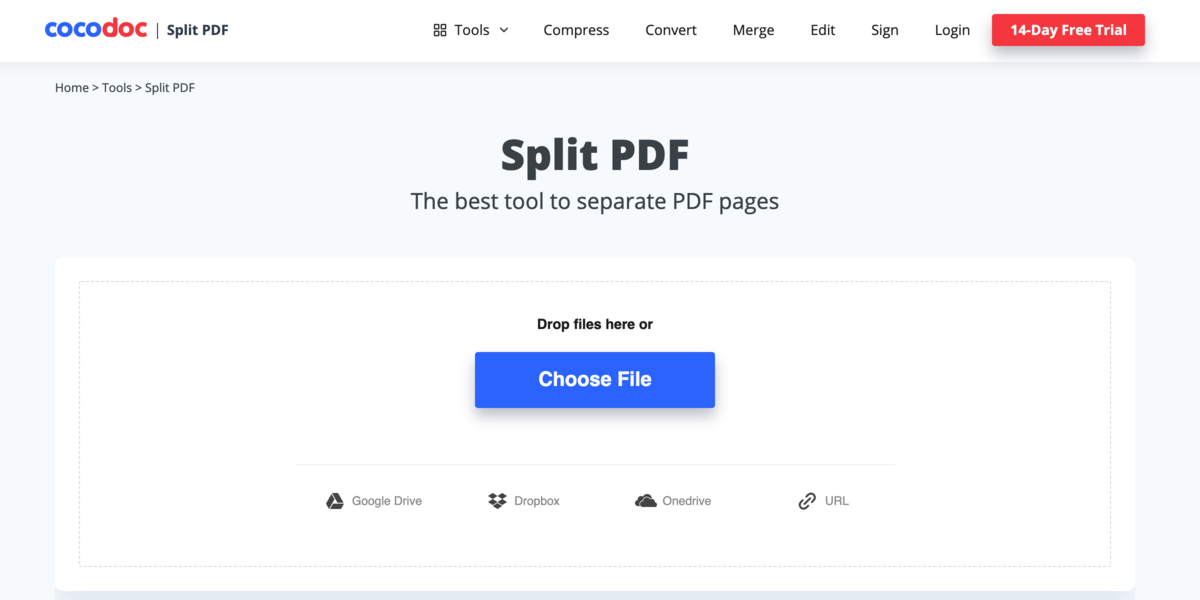
Why? Because the next part involves loading CocoDoc and visiting the Split PDF specification via the Tools category. It’s that easy, but you will need to set up an account if you are new to the website. It’s also straightforward to do that since you can choose to sign up using your Google account. CocoDoc will then take care of the rest.
All you need is to upload the PDF on the Split PDF page and head to the preview page. That’s where you separate the PDF by extracting the pages you need. If you have multiple pages to separate, you can later use them to form a new PDF.
Once everything is complete, you have options on how you and others can get the file. It’s possible to download or share via email or social media. Do you have a website that people can use to visit the website?
It’s also possible to integrate the document into your website. Now that CocoDoc seems to make the work easier for you, what qualities does it share?
CocoDoc Benefits to Worldwide Users
Better User Interface
The website has everything well-labelled. That is how you get to know it better since all the features are named, and there is ample information for the education part. Since you can access it via any browser, the interface is suitable even for mobile users.
Use it Anywhere
You can access CocoDoc regardless of where you are since it’s web-based. You are not limited to specific operating systems or particular devices. All you need is an updated browser on the device with an internet connection.
More Featured Capabilities
The CocoDoc PDF splitter does the job in seconds, and it’s possible to extract just a page or multiple ones. For the various cases, the pages will form a new PDF.
Online Secure Storage
Once you upload the PDF and split, the new and old documents are stored in the site’s cloud. You can view them via your dashboard once you log into your account. The cloud is secure from unauthorized access, thanks to the multiple layers of security imposed.
An Up-to-Date Platform
You don’t need to deal with time-to-time updates here. It’s a website that is automatically updated online. That means every time you access it; the updates will already be there. For you, it will be business as usual.
Excellent Customer Support
Do you have a question, suggestion, or comment? You can always reach out via the Contact Us page, and the support team will always get back to you. They are available 24/7 for all your inquiries.
How to Split PDF Images Using CocoDoc
Step 1: Visit the CocoDoc website and proceed to the Tools section. Go to ‘Split PDF’ and click on it.
Step 2: Upload your PDF using the available options. If you have the URL, it will be much better. Next, the preview page will load.
Step 3: Choose ‘Extract every page into a PDF’ if that is what you need. Another option is ‘Extract pages from PDF’ if you need specific ones. Proceed to select the pages you need for the second option.
Step 4: Once you are done, click on ‘Split PDF’ and let the website finish up. You can then download or share the new file.
What Else Can You Do with CocoDoc?
There is the splitting PDF specification, and then there’s more. CocoDoc is a web-based platform that has everything you need to work on a PDF. We can start with the opposite of splitting, which is merging.
More to that includes signing, rotating, converting to other file formats and vice versa, etc. They all work on the web-based platform, and all you need is an account to get started. There is a 14-day trial period when you get access to all the features.
It’s an excellent period to see how the website works as you prepare for the most suitable subscription. It’s, therefore, a website that should be within your reach at all times. Being web-based is a great advantage whether you are working from home or the office.
With that, you should use it and recommend it to that friend who has trouble dealing with PDFs all the time.
Conclusion
You now know that it’s not necessary to download software if you need to split PDF pages. It takes a considerable amount of time to download and install the required apps, but you can save that too by using your browser.
It’s time to visit CocoDoc to see how it works and what else is there. If you have any questions, don’t hesitate to reach out via the Contact Us page, and they will surely get back to you.
Check out: Best Features of PDF Bear And How You Can Use Them